Appearance
Configuring your marketplace
The first place you should check out in the Admin panel is the Marketplace section. There you can find a couple of modules used to customize basic data of your marketplace.
Settings
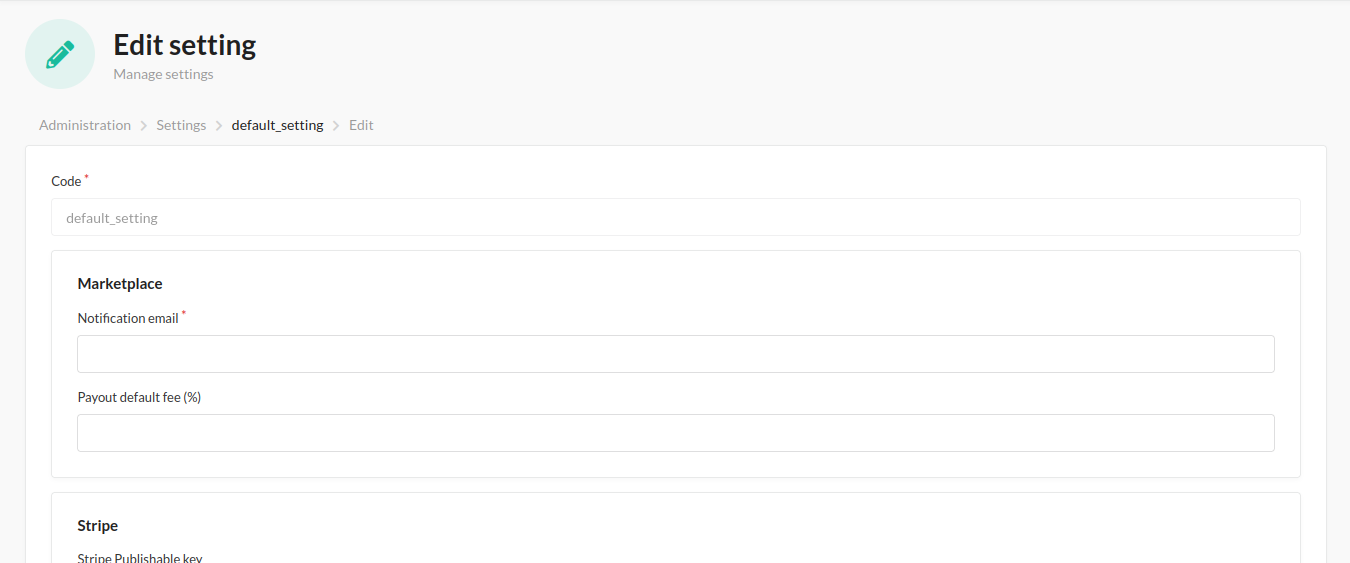
The most important one is the Settings section. Creating a Settings profile is the first step. Here you can set up notification emails, default fee, payout credentials, etc. See the image below:
Vendor plan
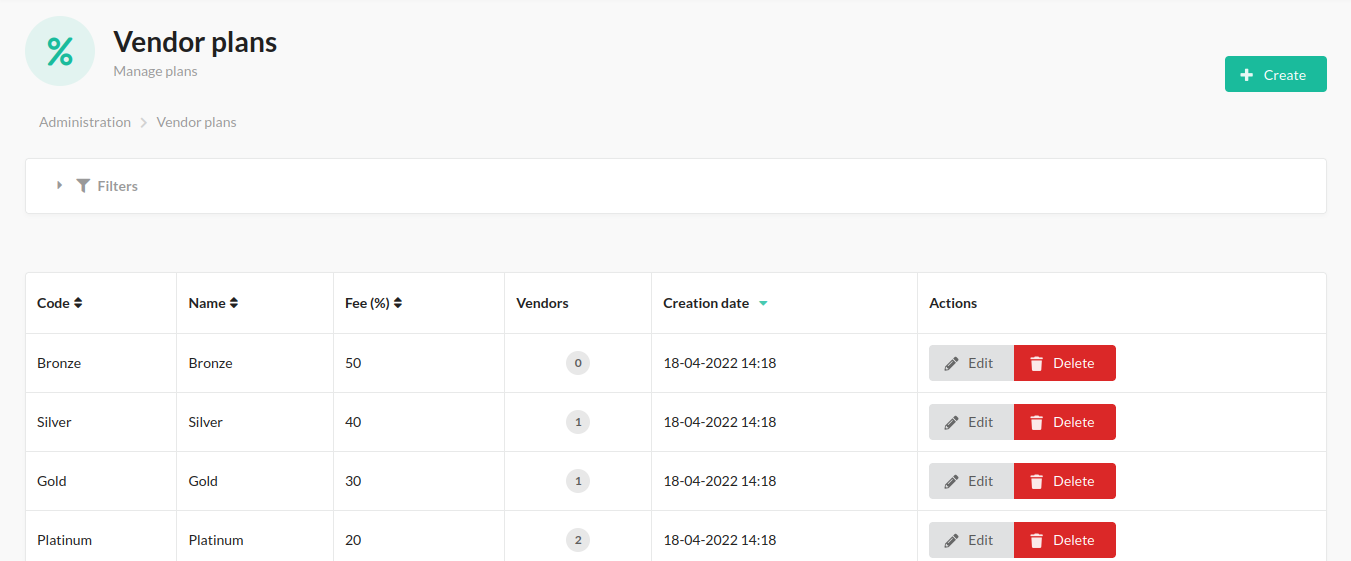
In the Vendor Plan section you can create the plans that best suit your store. With it, you can add fees and then assign it to the corresponding vendor.
Vendor
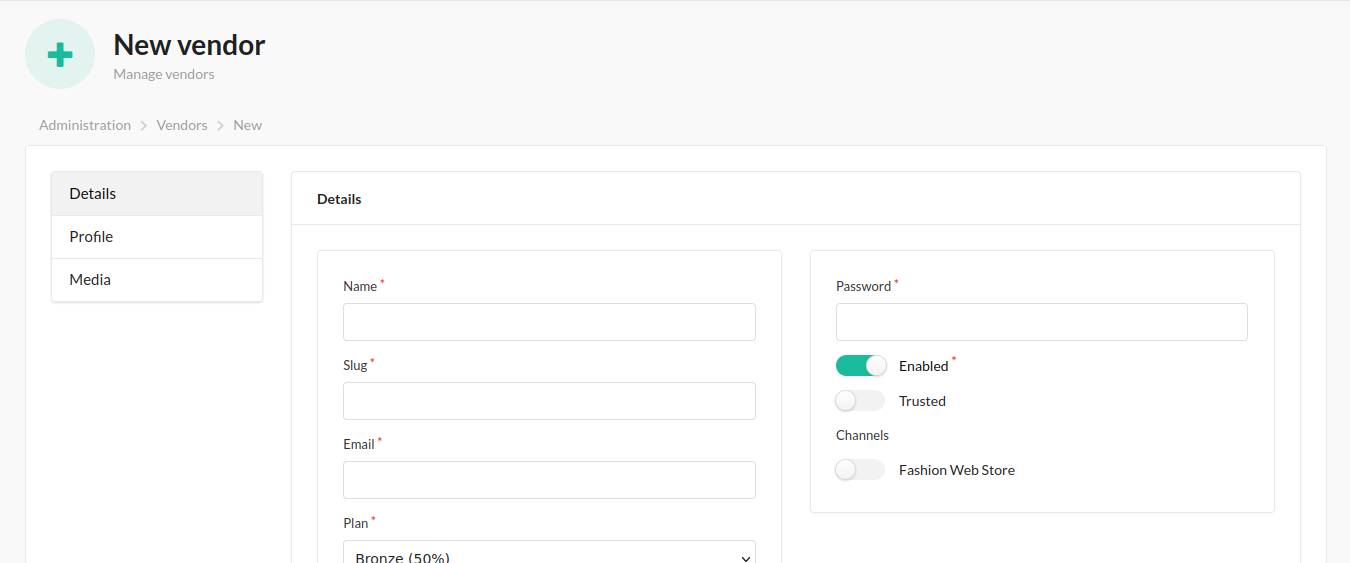
Although vendors can register from the store, they can also be created from the Admin. You can add the name, email, logo, plan and even create your seller user to manage it.
Vendor administrator
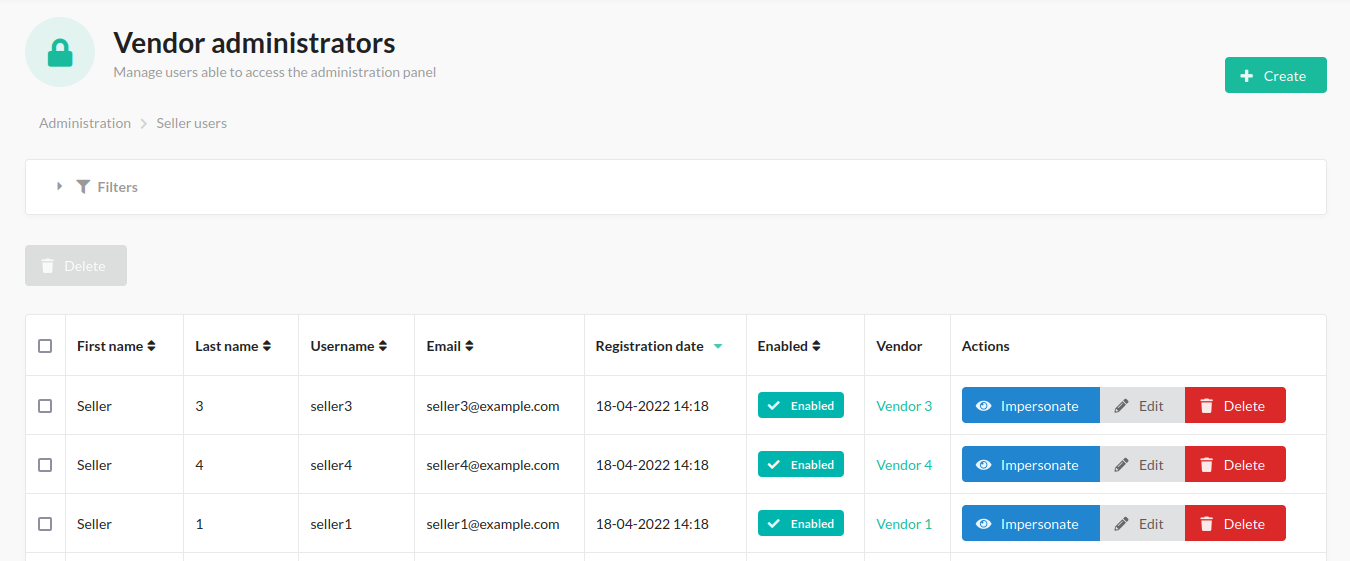
In this section you can view and create the users that are allowed to access the seller panel and manage the vendor.