
Appearance
Your first payout
You've concluded with the basic configuration. We can now proceed to let vendors sell your merchandise. After the order process, you can view the vendor orders and manage your payments.
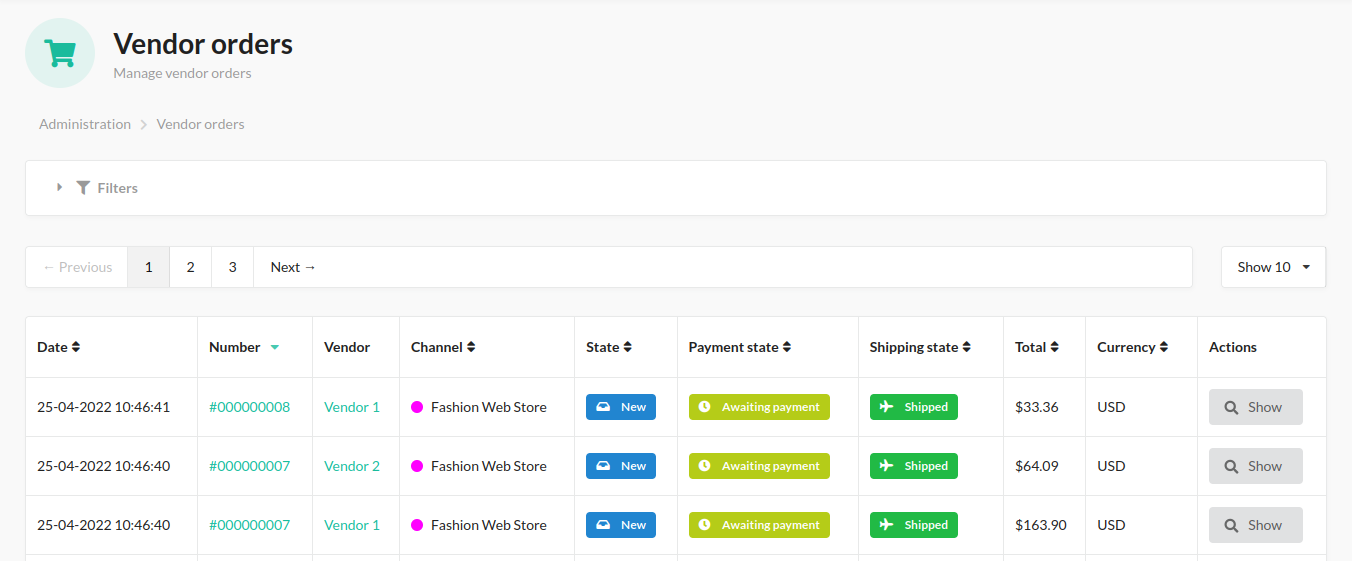
Vendor order
You can view the vendor purchases. The orders contain states, summary details, shipping and payout methods, etc.
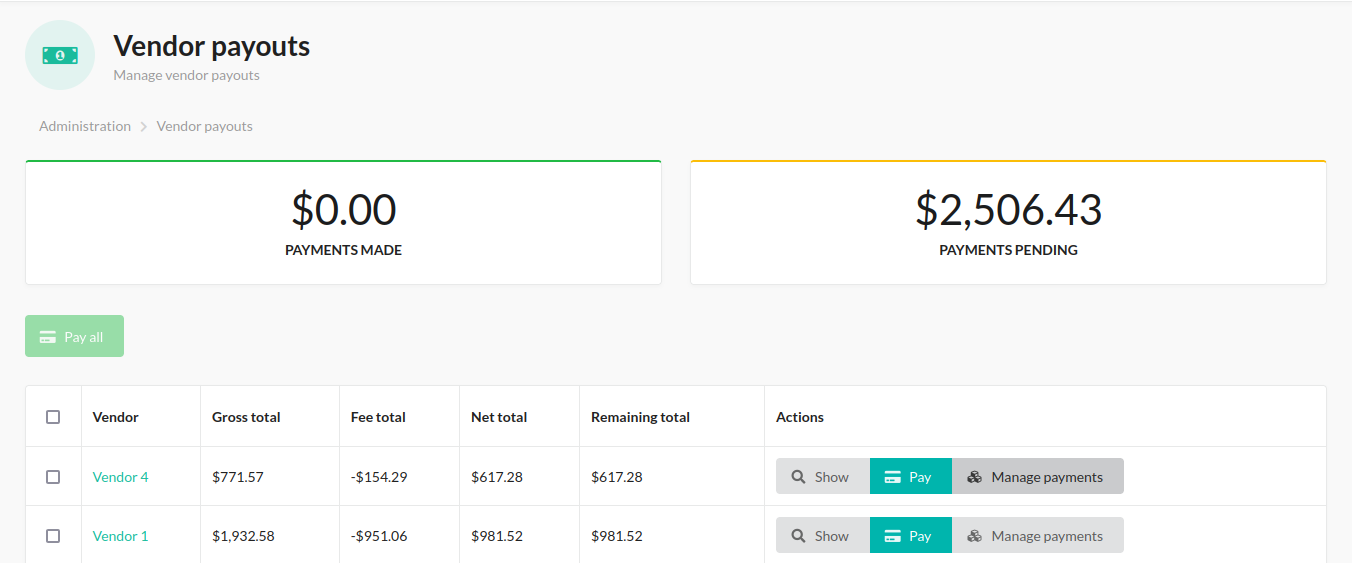
Vendor payout
Manage the vendor payments. You can filter and view both pending and completed payments. Paying a vendor pays out their whole current balance (read from the vendor's ledger), not individual orders — settlement is tracked per vendor, not per order.
Withdrawal requests
Vendors request a withdrawal from their balance in the seller panel. Admins review pending requests from Marketplace > Withdrawal requests and either pay or reject them.
Paying a request runs it through the vendor's payout gateway (Offline/PayPal/Stripe) immediately: on success the request is marked paid and the amount is debited from the vendor's balance; if the gateway fails, the request is marked failed with the error recorded. A request cannot be paid if the vendor has no payout method configured, or if the vendor's balance is no longer enough to cover it (re-checked at the moment of paying) — in both cases it's left as requested rather than failed, since nothing was actually attempted.